Ahhh.That explains it.
Same thing I was thinking 🤣

Same thing I was thinking 🤣
Do me a favor and try tagging someone.
I pushed something for the mobile mentions. @gumby


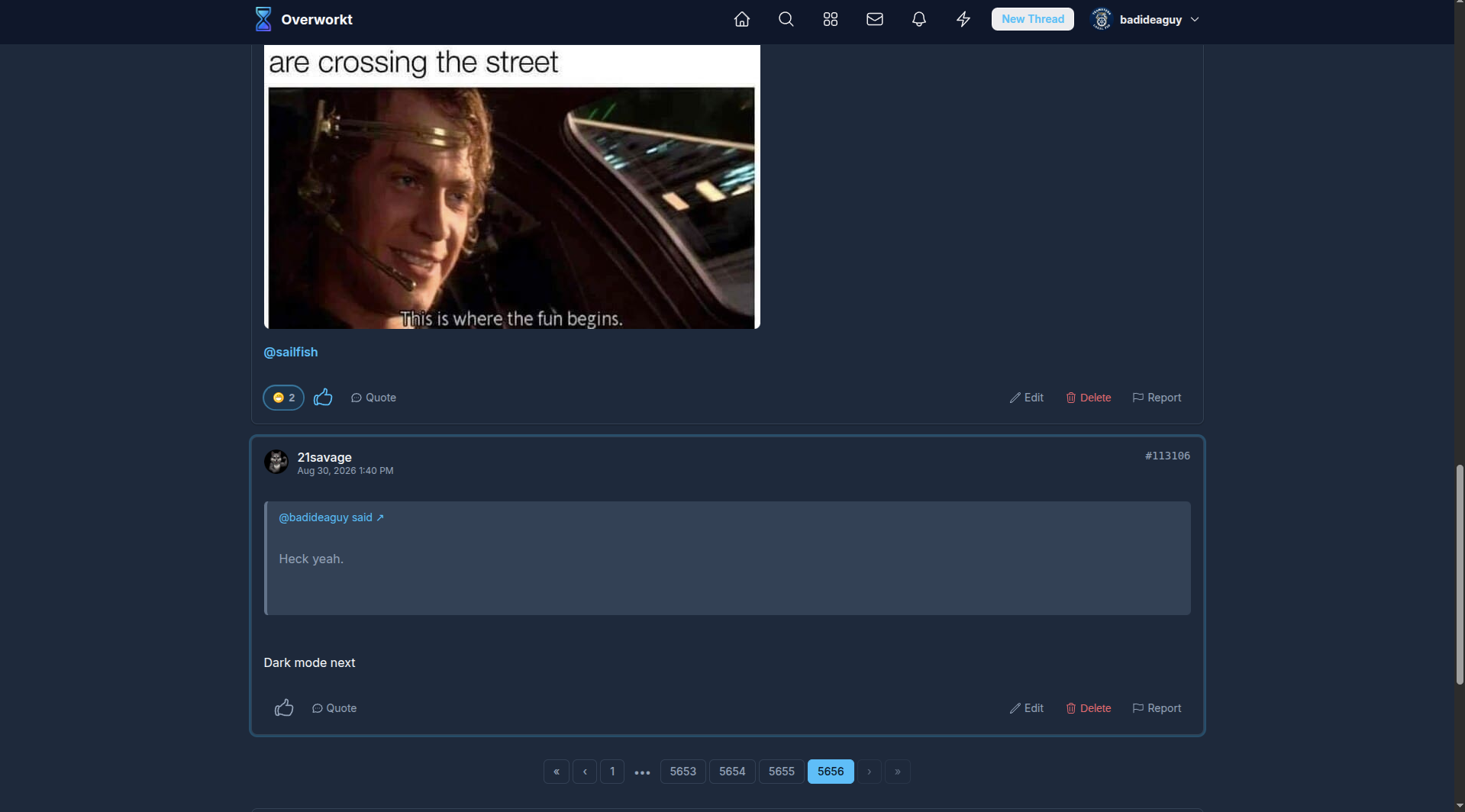
Our current one not dark enough?
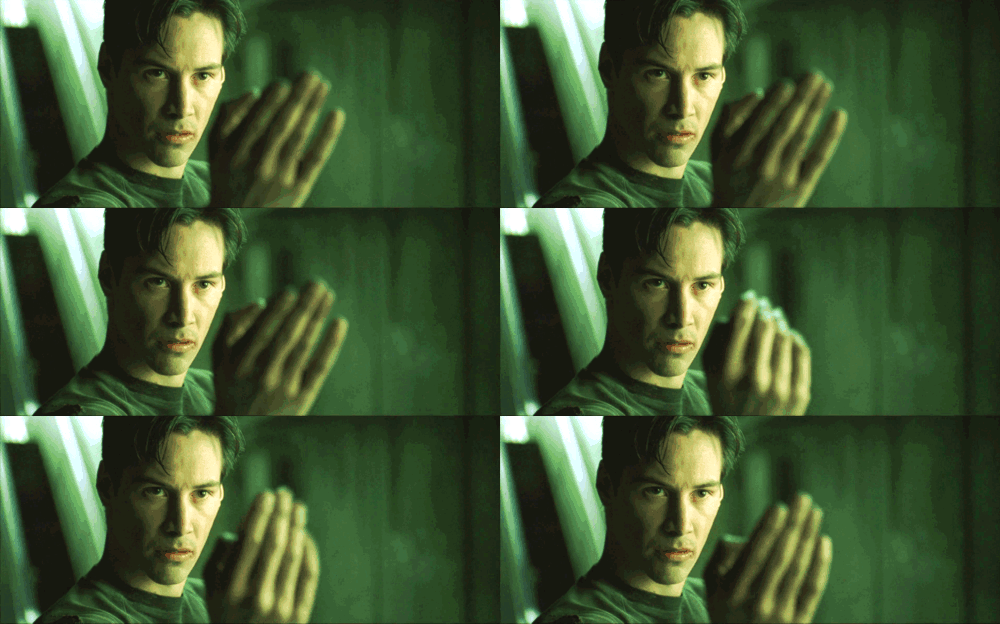
Ah yes. I see it now. I set mine to Matrix mode. Straight alpha style

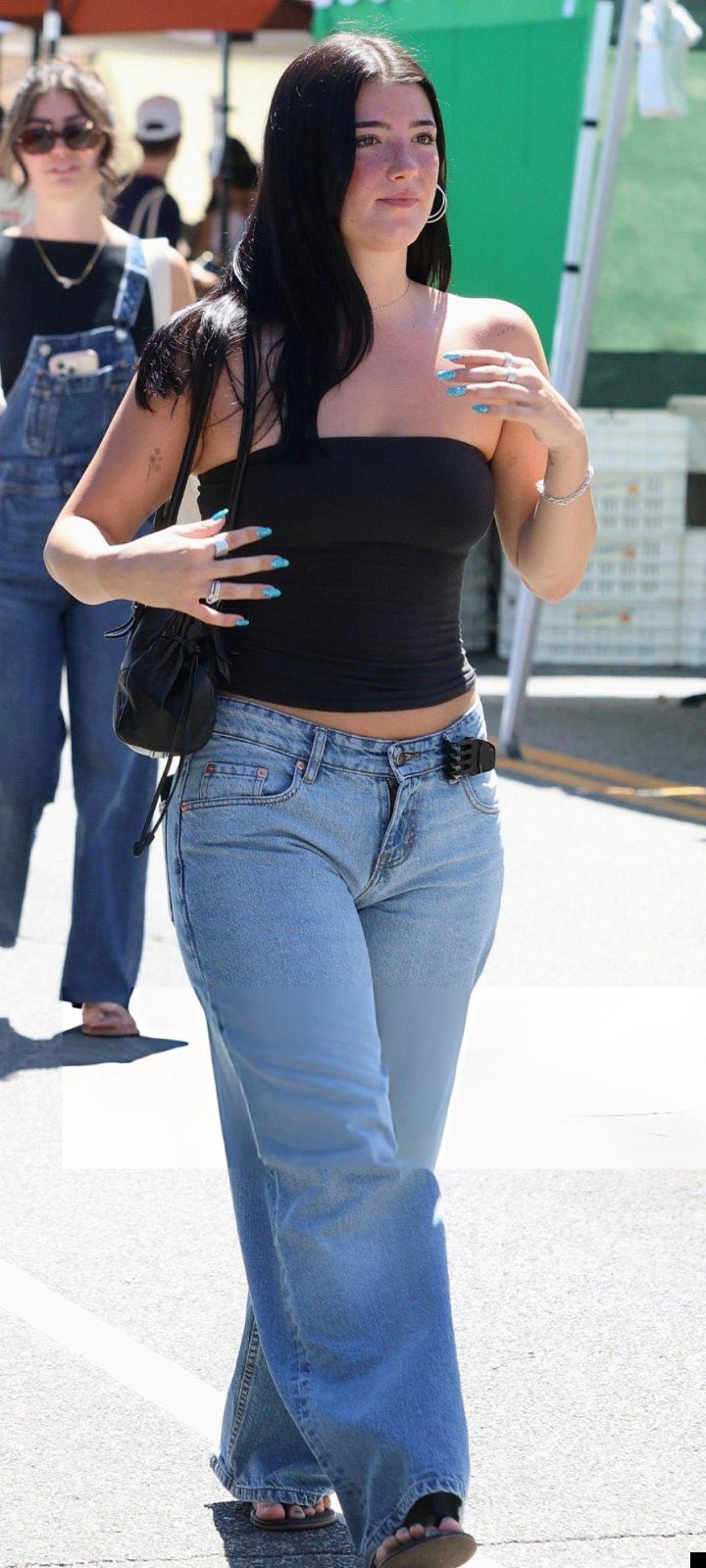
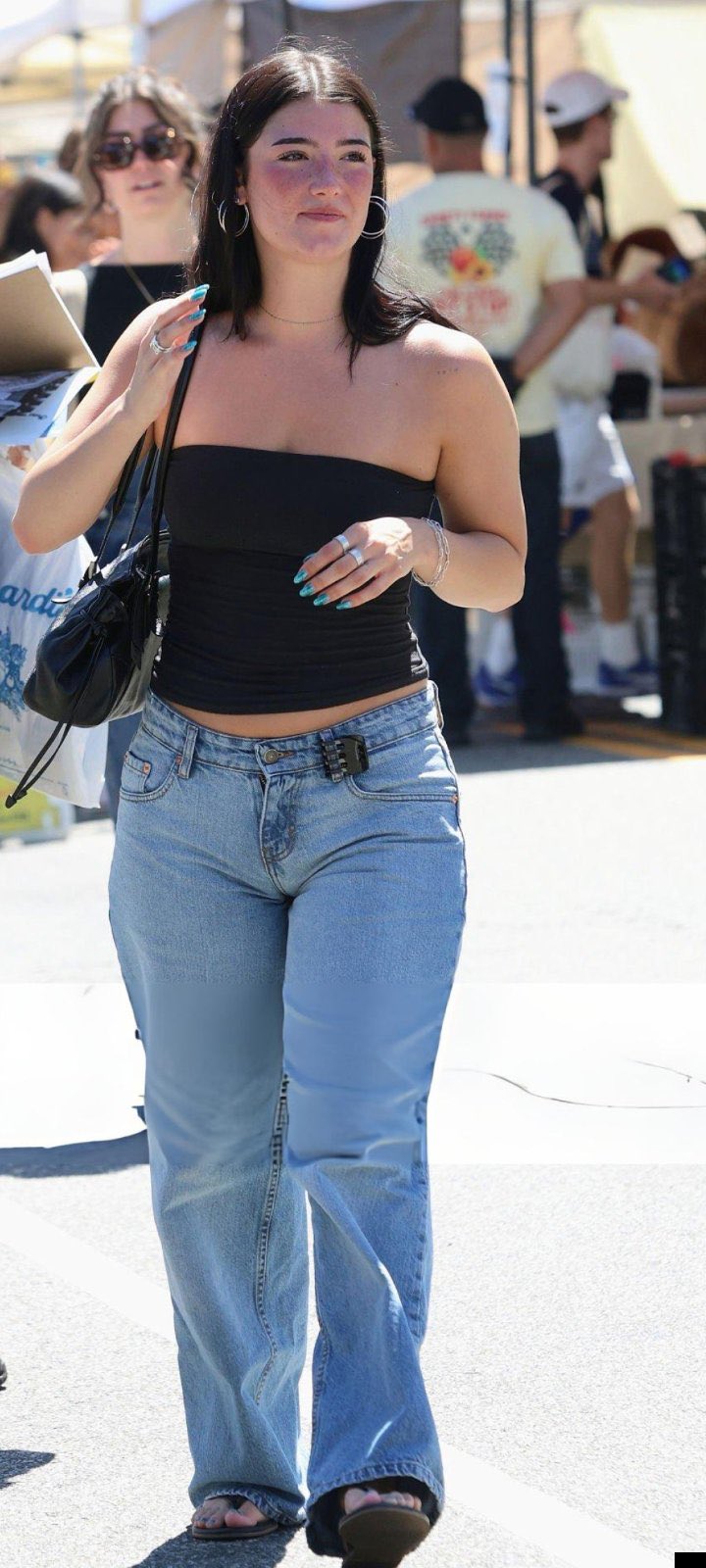
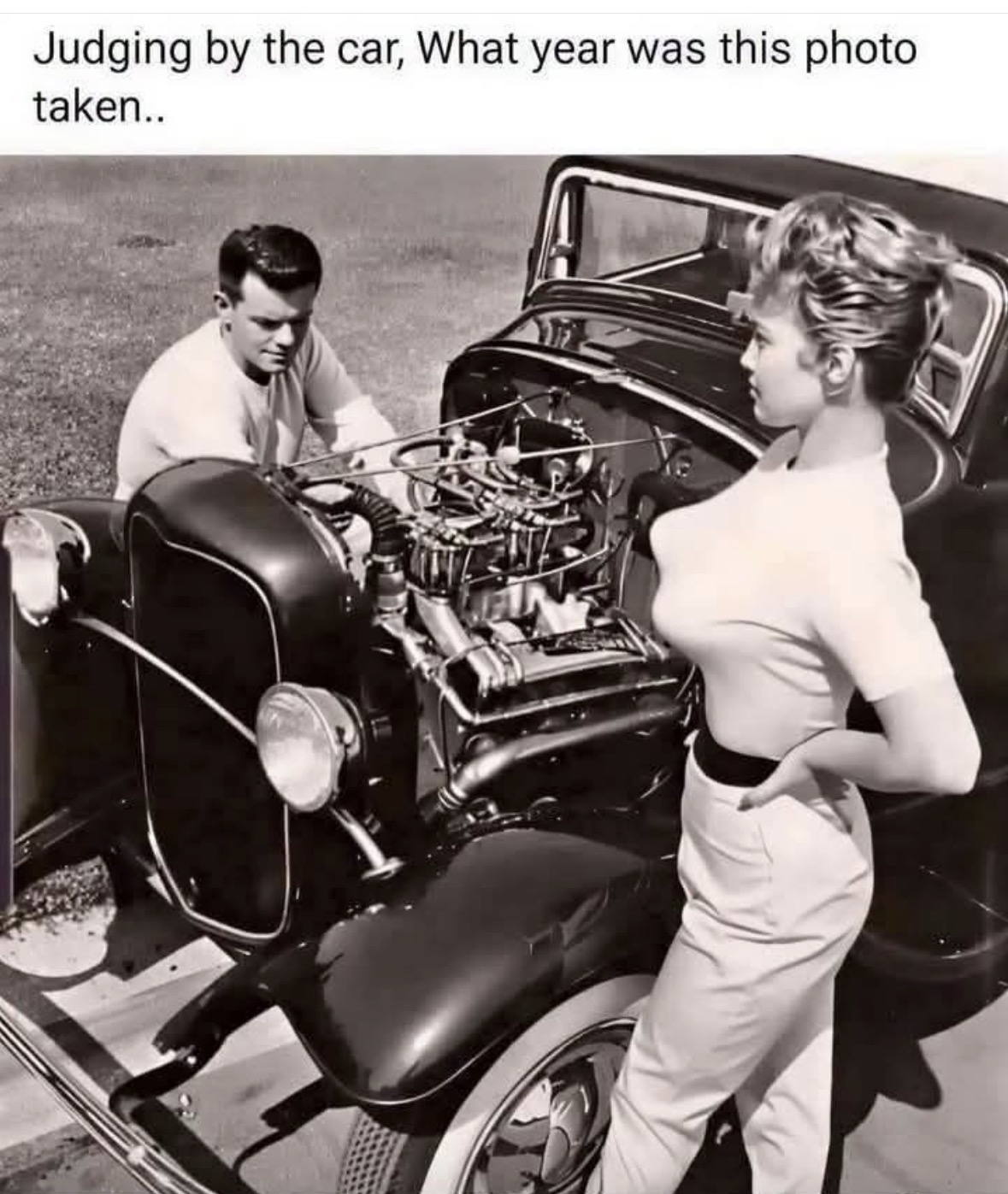
Charlie Damelio is developing into a fine specimenMoose knuckle in jeans is crazy
She’s thick and most likely gonna be wearing a Mumu in her older years
She’s thick and most likely gonna be wearing a Mumu in her older years
Smash it anything
Still can’t can’t re-size it myself ?
You should be able to see a resize handle if you tap on the image?
You should be able to see a resize handle if you tap on the image?
Does nothing for me. Before when you would click on the image, these circles in the corners would be active and you could just right
click on one and shrink (drag) it down. Could never enlarge them.... but you could make them smaller to look better on the page.
Maybe I’m an idiot ?
Does nothing for me. Before when you would click on the image, these circles in the corners would be active and you could just right
click on one and shrink (drag) it down. Could never enlarge them.... but you could make them smaller to look better on the page.
Maybe I’m an idiot ?
The cursor will change to a little hand like for resizing but you still can't change the image size..
Log in to reply.