
@badideaguy I just clicked your notifications, I have no idea what or where they are
BUG thread(on topic) 😀

It’s delayed
T
i still cant get on here on my android phone. Ive restarted a million times.
T
@badideaguy working good on my phone now but I did need to clear cache on my side first
how do I clear cache
I have to refresh my phone if I want to go to notifications.

how do I clear cache
At home screen long press on icon for whatever web browser you use and click app settings /app info /whatever looks similar. From there you are looking for a option that says storage, cache, etc. when you enter that submenu there should be a 'clear cache' button. Hard to give specific instructions as I think it will be slightly different on every device.
I have to refresh my phone if I want to go to notifications.
How do you refresh a phone?

At home screen long press on icon for whatever web browser you use and click app settings /app info /whatever looks similar. From there you are looking for a option that says storage, cache, etc. when you enter that submenu there should be a 'clear cache' button. Hard to give specific instructions as I think it will be slightly different on every device.
or might be clear search history of the browser
or might be clear search history of the browser
That will... Only clear the search history
That will... Only clear the search history
the cache does include more items but for a phone the history is simpler and probably enough
There are a lot of differences in how to clear the cache on different phones and even the version they are running. Too hard to give a one fits all answer.
the cache does include more items but for a phone the history is simpler and probably enough
There are a lot of differences in how to clear the cache on different phones and even the version they are running. Too hard to give a one fits all answer.
He needs to clear all cached files related to this site. His phone is storing an old version of this site and when he navigates here he is accessing that old version which is why for him the problem persists. Deleting his web browsing history is not going to fix his problem.
He needs to clear all cached files related to this site. His phone is storing an old version of this site and when he navigates here he is accessing that old version which is why for him the problem persists. Deleting his web browsing history is not going to fix his problem.
Some browsers used to have a clear cache option that was later changed to clear history. Which did the same thing by a different name. Too many differences between phones and browsers to give a simple explanation.
T
At home screen long press on icon for whatever web browser you use and click app settings /app info /whatever looks similar. From there you are looking for a option that says storage, cache, etc. when you enter that submenu there should be a 'clear cache' button. Hard to give specific instructions as I think it will be slightly different on every device.
Thank you! I'm on.
When I create new thread the character counter at the bottom goes up to 10,000 characters but I can actually only post 5,000

When I create new thread the character counter at the bottom goes up to 10,000 characters but I can actually only post 5,000
Nobody wants to read a book report
When I create new thread the character counter at the bottom goes up to 10,000 characters but I can actually only post 5,000
It looks like the count is non functional anyway. In the thread I created it has remained at 0/5000
Nobody wants to read a book report
https://teamster.org/2025/08/at-11th-hour-ups-bows-to-teamsters-strike-threat-in-7-states/
MYODB
Hell yeah!
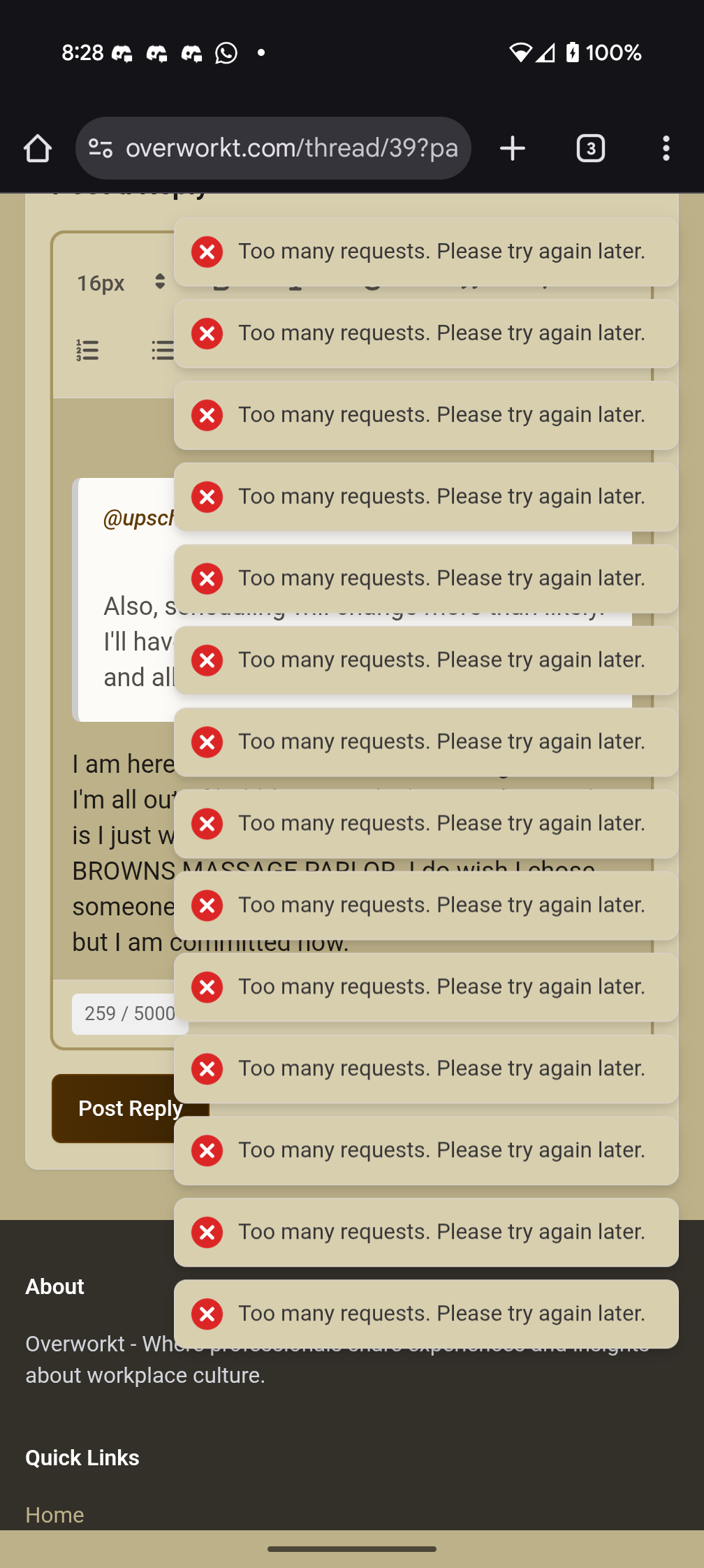
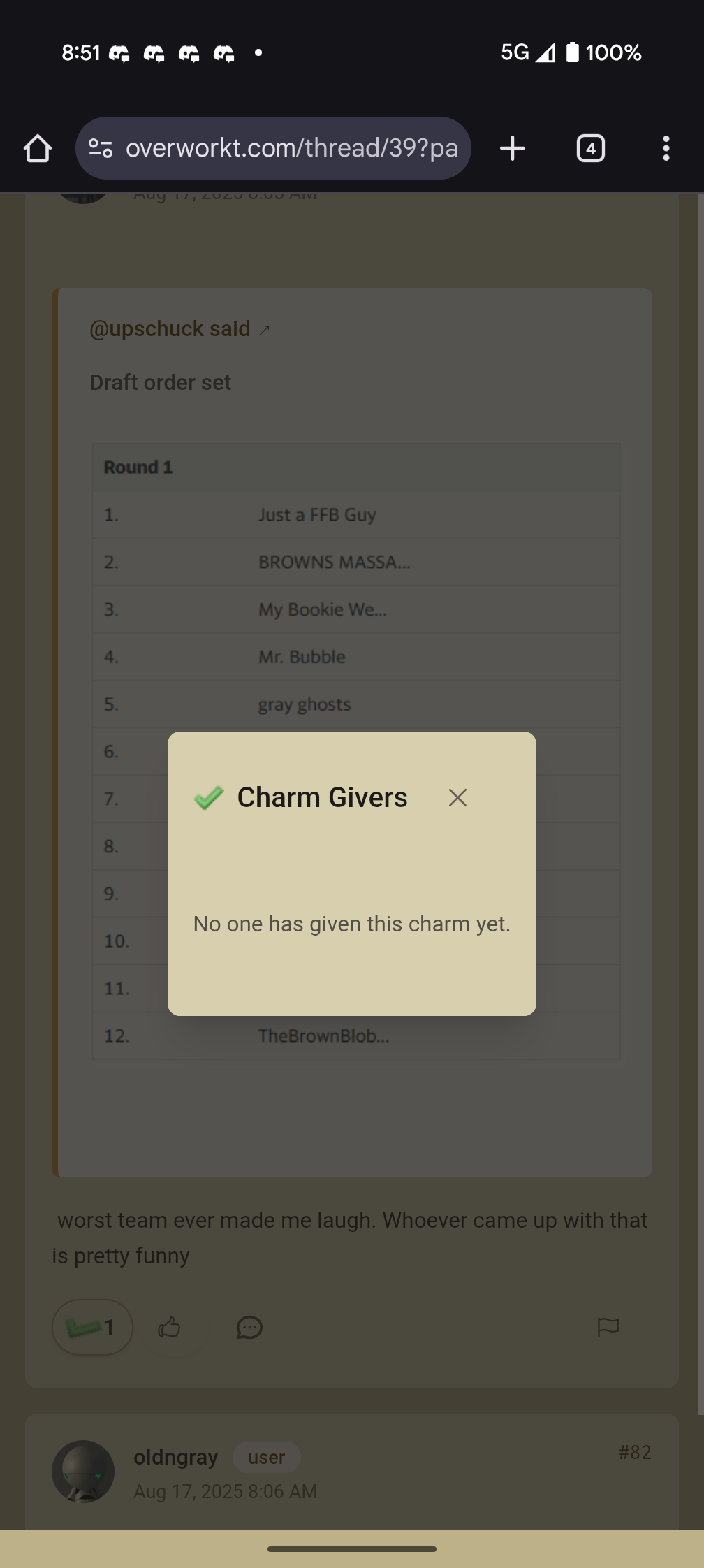
Happening intermittently since you rolled out update last night.
Log in to reply.